What's My Later List?
Ever said“I'll do this later”and then forgot?
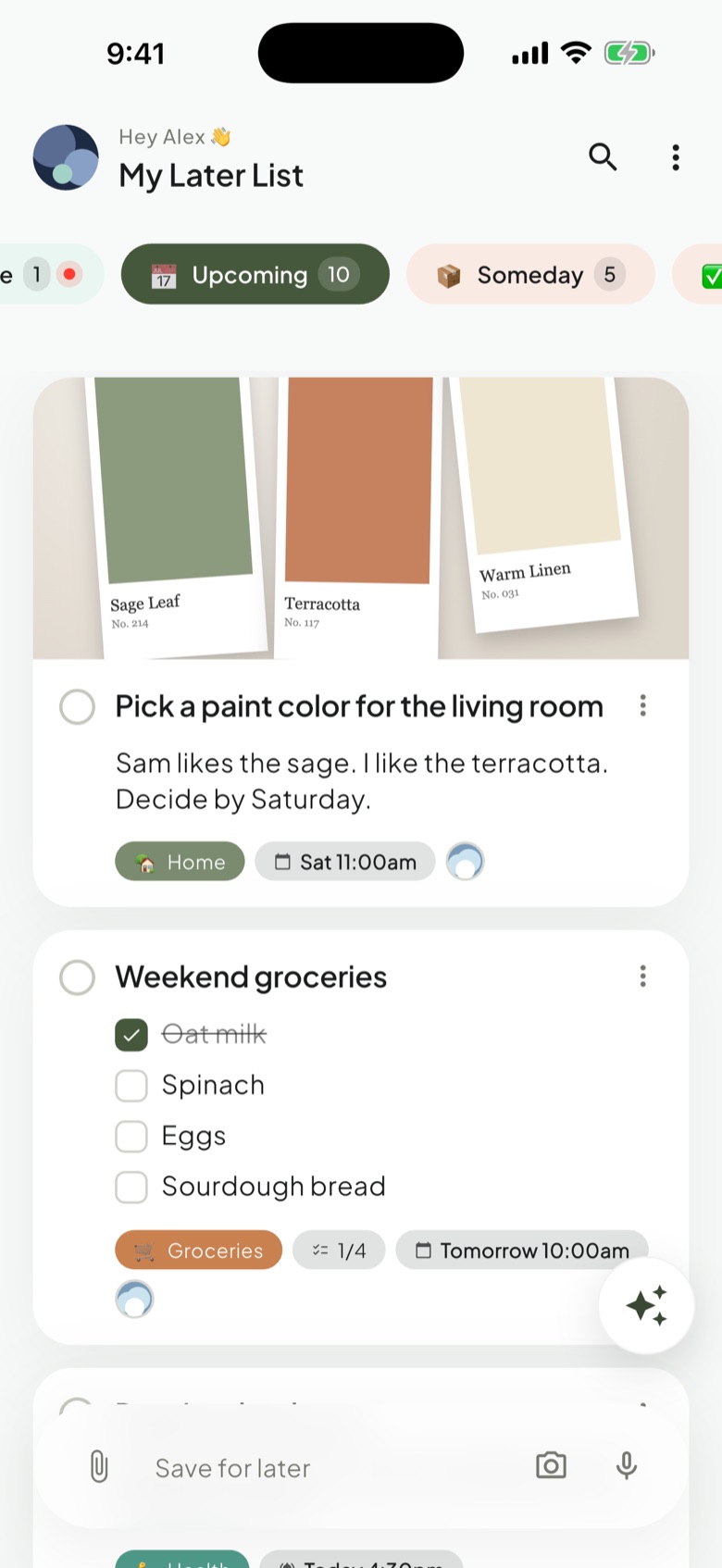
Save it in seconds and let AI organize it. Get reminded, plan your day, and get it done.

On iPhone, iPad, Mac and Android · and the web with Pro
Save it now. Find it when it matters.
Step 1
Save anything
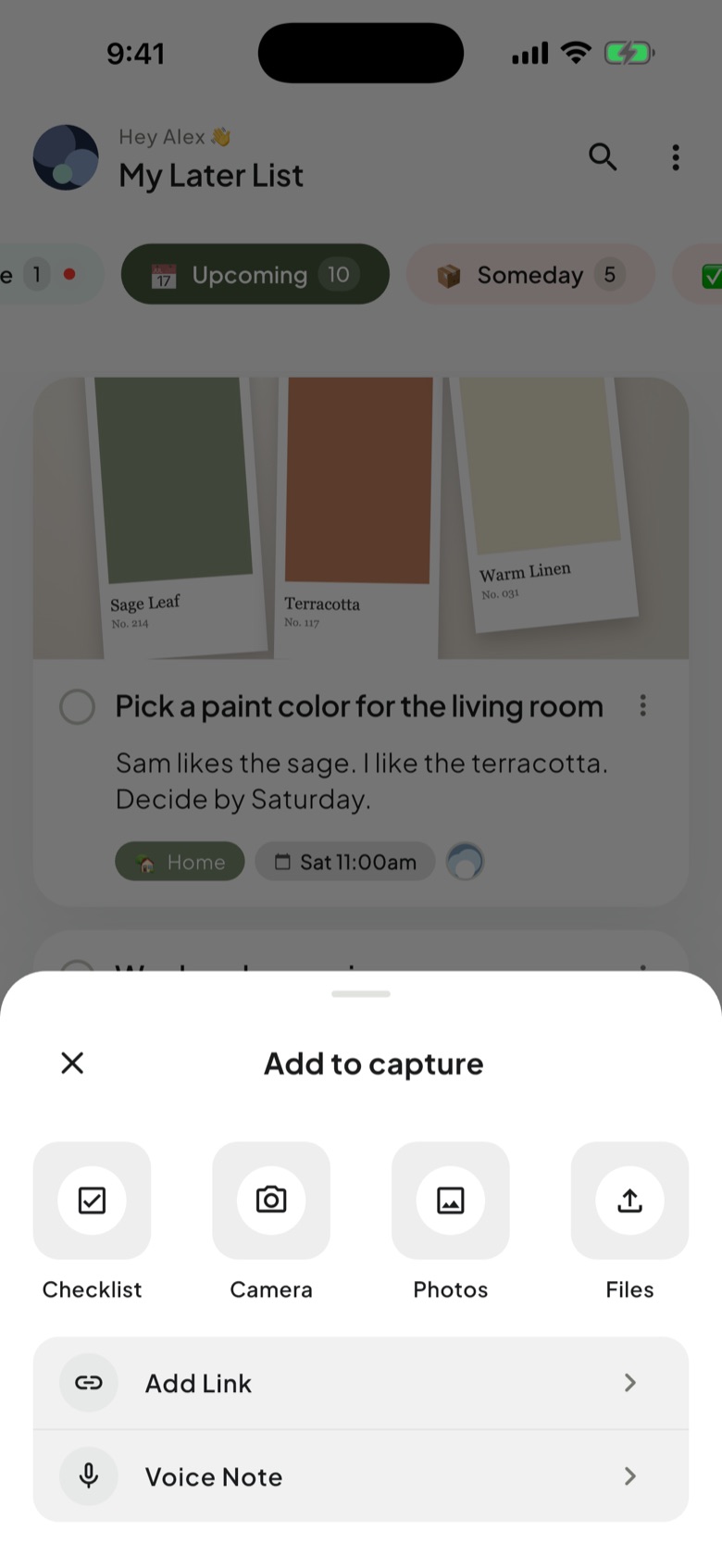
A link, a photo, a voice note, a thought. One tap, from anywhere.
Step 2
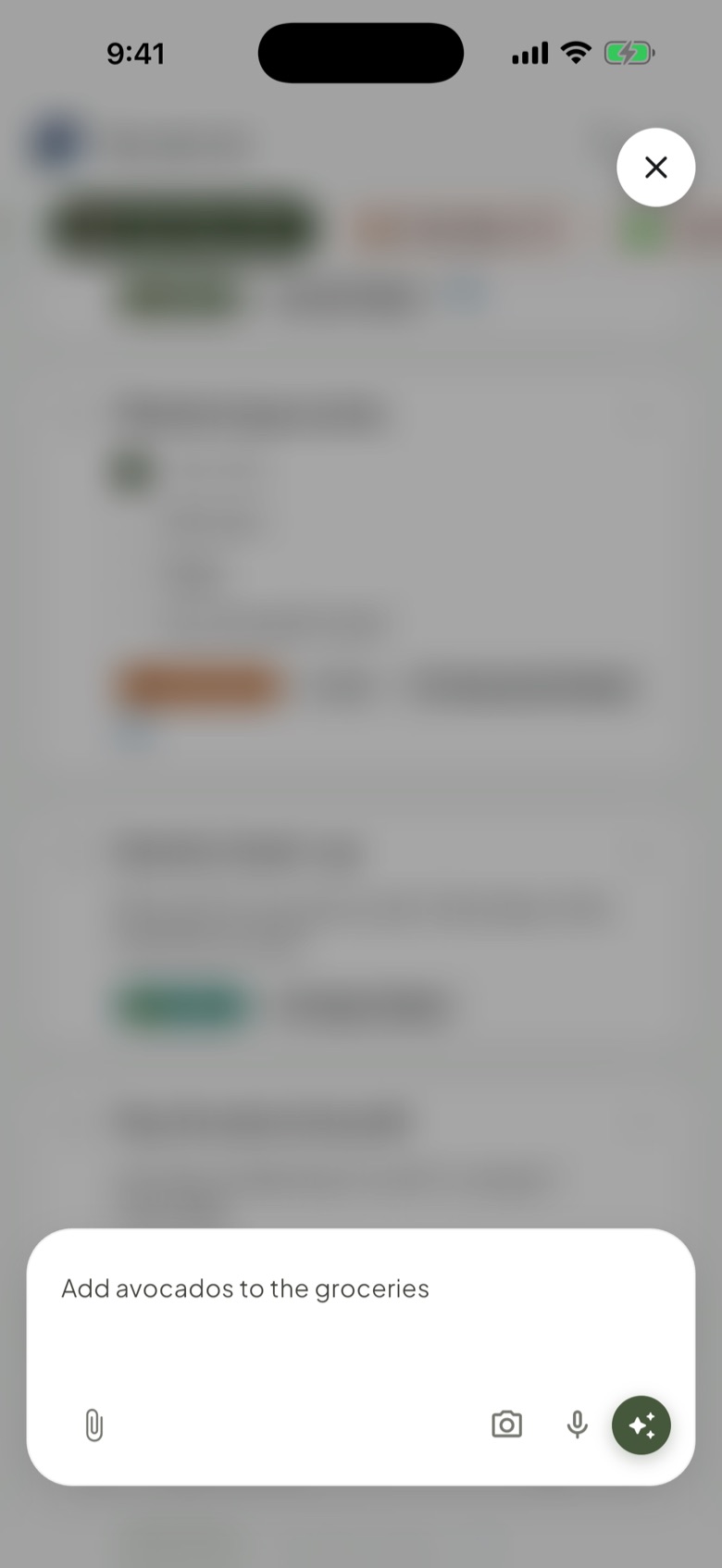
AI helps you organize it
Ask in your own words, like “add avocados to the groceries”, and it’s done.
Step 3
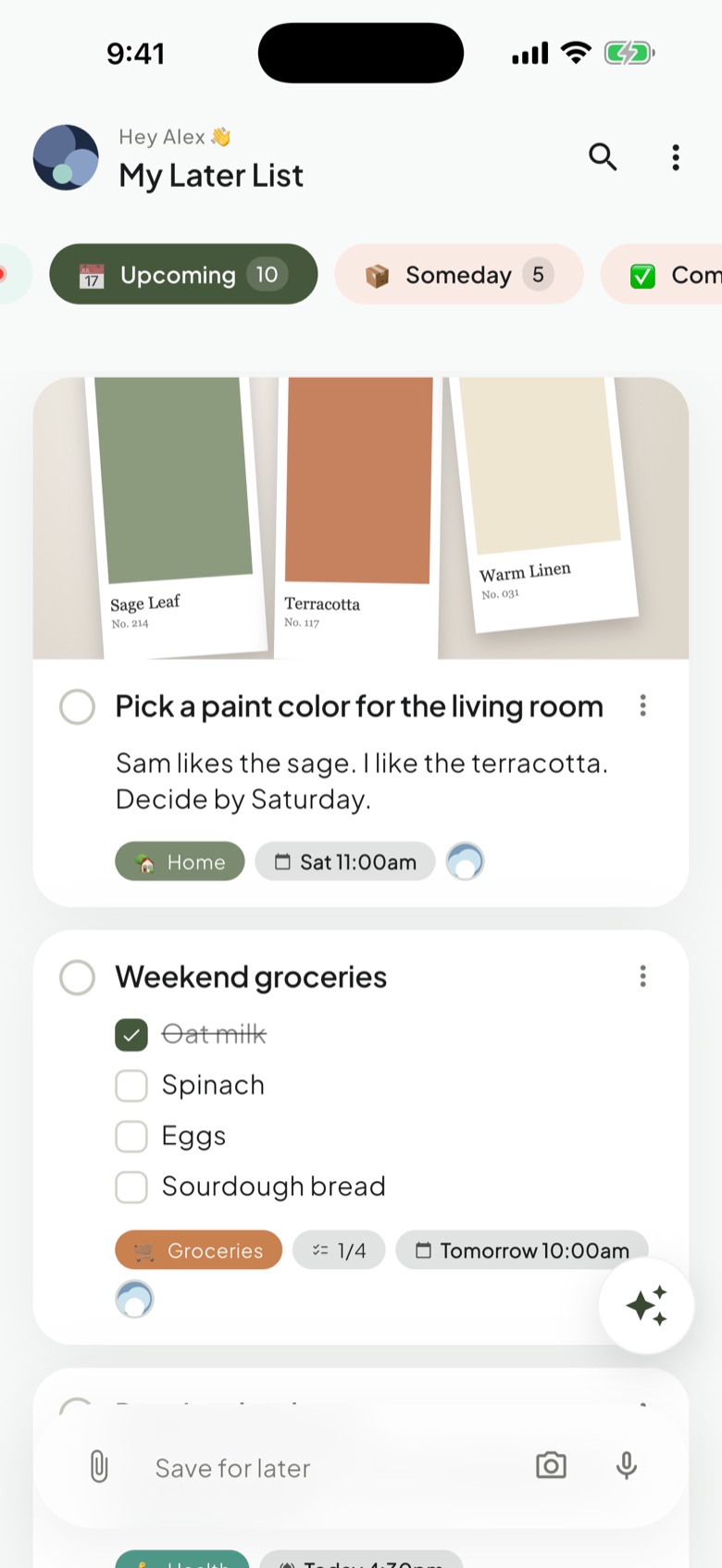
Back when you need it
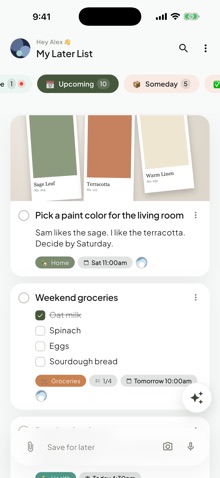
Filters bring up what matters today, this week, or someday.
As simple as a to-do list. Never as limited as one.
Save from any app
Share a link, paste text, snap a photo, or record a voice note.
AI organizes as you save
It adds a title, a date and a label. You can change any of it.
Just ask
Add an item, find what's overdue, or move a date, in your own words.
Share a label
Share one label, like Groceries, and it's on both your phones. Nothing else is shared.
Use it from Claude or ChatGPT
Ask your AI assistant about your list.
On all your devices
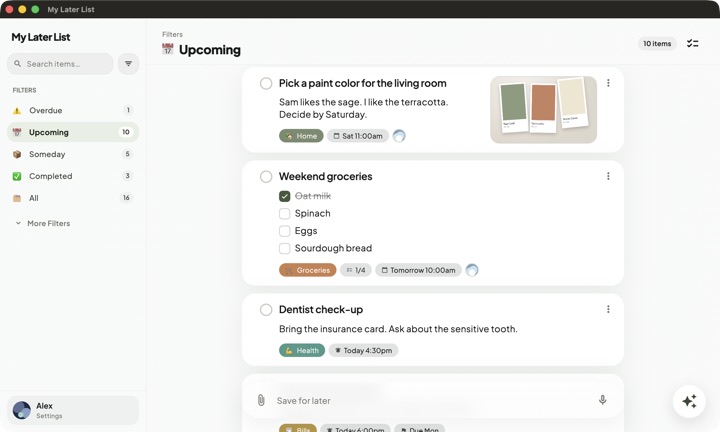
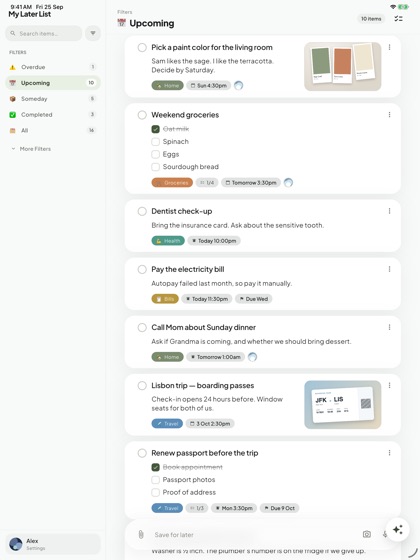
iPhone, iPad, Mac and Android, in sync. Plus the web app.


No ads, and we never sell your data. On the free plan, your list is stored only on your phone. How we handle your data
Get My Later List.
The free plan keeps your list on your phone. Pro puts it on all your devices, with more AI. See the plans.